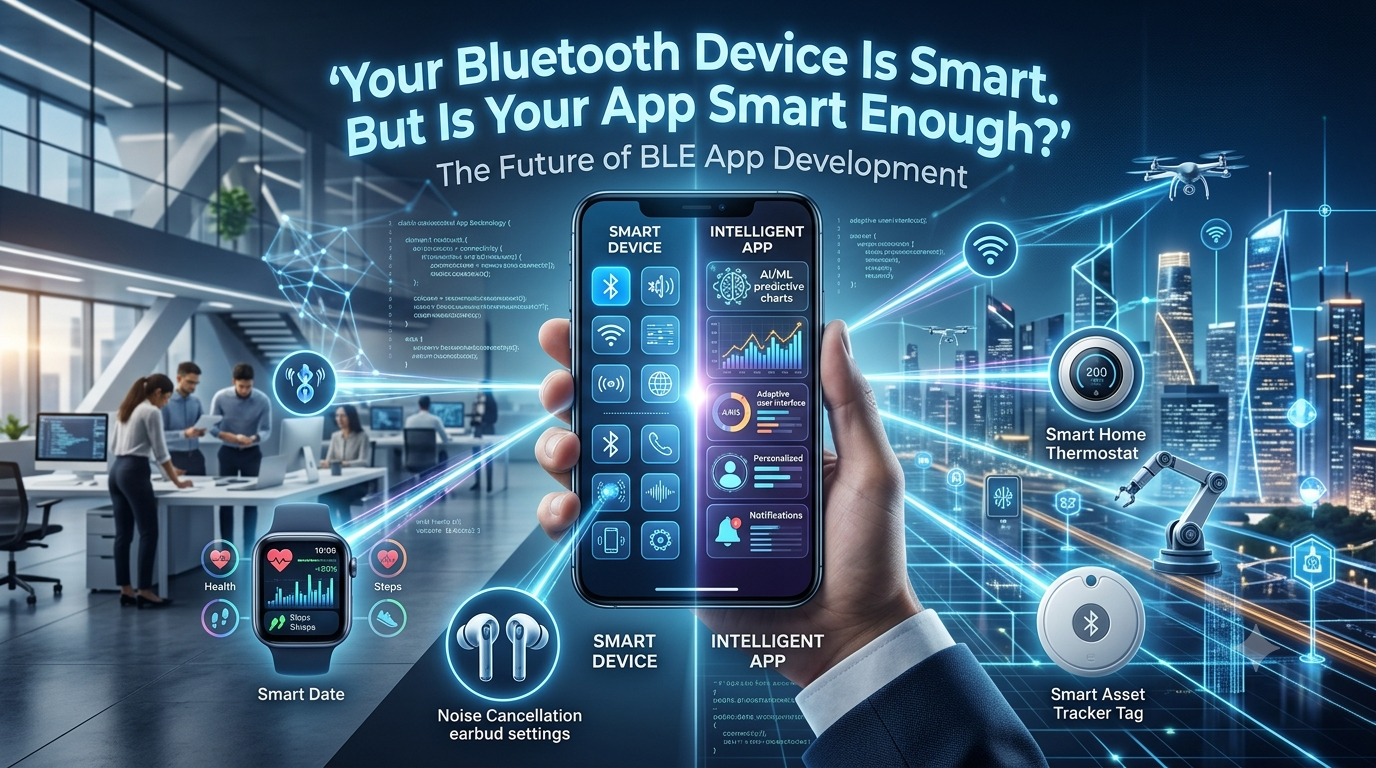
Introduction: The Hidden Brain Behind Every Connected Device
Imagine buying a smart fitness band that tracks your activity but fails to sync with your phone. Or installing a smart lock that takes longer to connect than it takes to find your keys.
The hardware might be impressive, but the user experience feels broken.
This is where Bluetooth Low Energy (BLE) app development becomes critical. BLE enables compatible devices to communicate with smartphones, tablets, gateways, and other connected systems while being designed for low-power operation.
For businesses building wearables, smart home products, medical monitoring devices, industrial sensors, or asset-tracking solutions, the mobile app is more than a control panel. It is the bridge between physical hardware and a useful digital experience.
The real challenge isn’t simply connecting two devices. It’s making that connection reliable, secure, fast, and effortless.
1. BLE App Development Is About More Than Pairing
Many people associate Bluetooth with pairing headphones or transferring files. BLE applications often work differently.
They may discover nearby devices, connect to a peripheral, read sensor data, write commands, subscribe to notifications, and synchronize information with a cloud platform.
A typical BLE application may support:
- Device discovery and connection management
- Real-time sensor data monitoring
- Firmware updates and device configuration
- Secure user authentication and access controls
- Data synchronization with cloud platforms
- Battery-conscious background operation
Each feature introduces engineering decisions that affect reliability and usability.
For example, a wearable application must handle temporary disconnections without losing important measurements. A smart-lock application must treat authorization and command delivery as security-critical operations.
Good BLE development starts with understanding the device, the user, and the environment in which the product will operate.
2. The Five-Second Test: Would Users Trust Your BLE App?
Here’s an experiment every connected-device business should try.
Give a new user your app and compatible hardware. Ask them to connect the device and complete one meaningful task without instructions.
Watch what happens.
- Does the app explain why Bluetooth permission is required?
- Does the device appear quickly and clearly?
- Is the connection status easy to understand?
- Does the app recover gracefully if the signal drops?
- Does the user know whether their command actually worked?
If users repeatedly tap the Connect button, restart Bluetooth, or reinstall the app, the problem may not be the hardware. It may be the connection workflow.
A strong BLE user experience includes clear status messages, sensible timeouts, automatic recovery where appropriate, and useful troubleshooting instructions.
The goal: Make complicated wireless communication feel simple to the person using the product.
3. Why BLE Connection Reliability Is a Competitive Advantage
BLE performance can vary because of distance, interference, operating-system behavior, device firmware, and power-management restrictions.
A connection that works perfectly in a developer’s office may behave differently in a crowded factory, apartment building, hospital, or outdoor environment.
Developers should plan for real-world conditions from the beginning.
Design for disconnections
Wireless connections are not guaranteed to remain active. Apps should recognize disconnect events, update the interface, and implement appropriate reconnection strategies.
Handle data correctly
Sensor values, timestamps, units, and notification sequences need consistent handling. If data is missing or stale, the interface should not present it as current.
Test across devices
Android and iOS have different Bluetooth APIs, permission requirements, and background-execution behaviors. Device models and operating-system versions can introduce additional variations.
Optimize power consumption
Frequent scanning, excessive communication, and unnecessary background activity can increase battery usage. The right balance depends on how quickly the product must respond and how often it transmits data.
Reliability is not a single feature. It is the result of careful architecture, testing, and product-specific trade-offs.
4. BLE + AI: When Connected Devices Become More Useful
BLE can collect or transmit information, while AI can help interpret data and support better decisions. Together, they can enable more intelligent connected products.
Consider these examples:
Wearable technology: A wearable collects activity data and sends it to an app that summarizes patterns and highlights meaningful changes.
Industrial monitoring: BLE sensors provide equipment readings that a larger analytics system can evaluate for unusual patterns or potential maintenance needs.
Smart buildings: Connected sensors report occupancy or environmental measurements, helping building-management systems optimize operations.
Asset tracking: BLE beacons can support proximity-based detection and location estimation, depending on the infrastructure and deployment design.
AI does not automatically make a BLE product better. Its value depends on data quality, suitable models, privacy protections, and measurable benefits for users.
The strongest solutions combine reliable device communication with useful interpretation rather than adding AI simply because it is trending.
5. Security: The Feature Users Should Never Have to Think About
A connected device may control a door, collect personal measurements, or expose operational information. Security must therefore be part of the architecture—not an optional feature added before launch.
Important considerations include:
- Appropriate BLE pairing and bonding methods
- Authentication and authorization for sensitive commands
- Encryption where supported and appropriate
- Secure storage of credentials and sensitive data
- Protection against replayed or unauthorized commands
- Secure firmware updates and device lifecycle management
- Careful handling of app permissions and personal information
BLE security capabilities depend on the hardware, Bluetooth stack, pairing method, and implementation. Applications should not assume that every nearby device is trustworthy or that a successful connection automatically proves authorization.
For high-risk products, security requirements should be defined and tested with the hardware and firmware teams.
6. Native or Cross-Platform BLE App Development?
Choosing a development approach depends on the product’s technical requirements, target users, budget, and maintenance strategy.
| Approach | Best suited for | Main consideration |
|---|---|---|
| Native iOS | Products requiring close integration with Apple platforms | Separate iOS development effort |
| Native Android | Android-specific device workflows and platform controls | Android device and OS fragmentation |
| Cross-platform | Products targeting both platforms with shared application logic | BLE functionality and background behavior need careful validation |
Cross-platform frameworks can be effective, but they do not eliminate native Bluetooth limitations. Some features may require native modules, platform-specific code, or additional testing.
The best choice is the one that meets the product’s connection, security, performance, and maintenance requirements—not necessarily the one with the smallest initial codebase.
7. The BLE App Development Checklist Before Launch
Before releasing a connected-device application, teams should test more than whether a device connects once.
Use this checklist:
- Test first-time discovery and connection.
- Verify required permissions and denial scenarios.
- Test disconnects, timeouts, and reconnection.
- Validate data accuracy and notification handling.
- Check battery consumption during normal usage.
- Test foreground and background behavior.
- Verify security controls and sensitive commands.
- Test across supported phone models and OS versions.
- Validate firmware compatibility and update behavior.
- Collect diagnostic logs without unnecessarily exposing personal data.
Testing should include real hardware, realistic environments, and the actual workflows users will perform.
8. How to Choose a BLE App Development Partner
A capable development partner should understand both mobile application engineering and the constraints of connected hardware.
Before selecting an agency, ask:
- Have you built BLE applications that communicate with real devices?
- How do you test connection stability and reconnection behavior?
- Can you work with our device’s GATT services and characteristics?
- How do you approach Bluetooth security and firmware compatibility?
- What is your strategy for testing on Android and iOS?
- How will you diagnose issues that occur only in the field?
- Who will maintain the application as mobile operating systems evolve?
Look for a partner that can explain technical trade-offs clearly and demonstrate a structured testing process. A polished demo is useful, but a robust production-ready solution requires much more.
Conclusion: Make the Wireless Experience Feel Effortless
A successful BLE product is not defined solely by its sensor, battery, or Bluetooth chipset. It is also defined by how naturally people can use it.
From reliable connections and efficient data handling to security and intelligent analytics, BLE app development brings hardware and software together into one experience.
Businesses that invest in connection reliability, thoughtful user experience, and real-world testing can build connected products that users trust.
At BLEAppDeveloper, the opportunity is to turn Bluetooth-enabled hardware into practical, dependable digital experiences—from wearables and smart devices to industrial IoT applications.
**Planning a BLE-enabled